

TECHNOGYM APP
Get superior results faster
> WATCH THE VIDEO

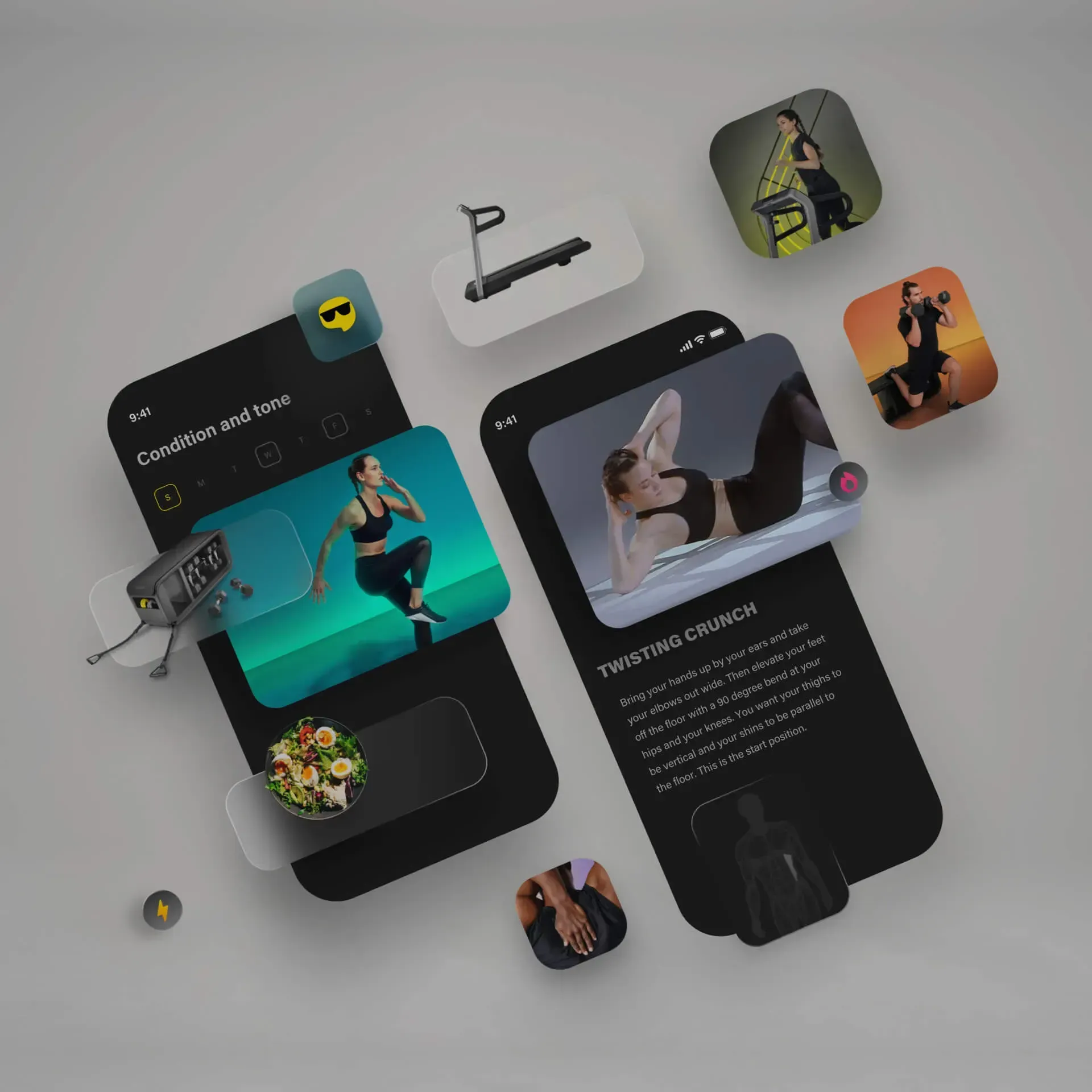
Technogym Coach customizes your workout

Train at home, at the hotel,
at the gym, or outdoors

Over 1000 workouts including equipment and bodyweight exercises

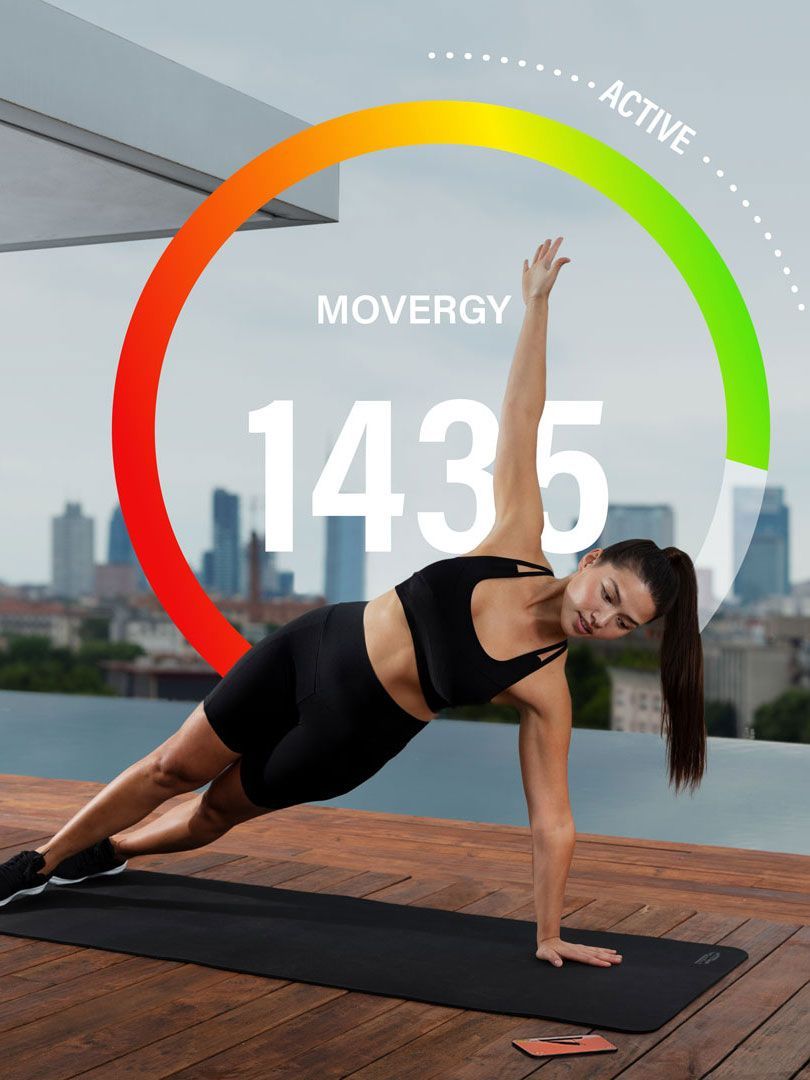
Monitor your activities and lifestyle with MOVEs and MOVERGY
YOUR PERSONALIZED TRAINING PLAN
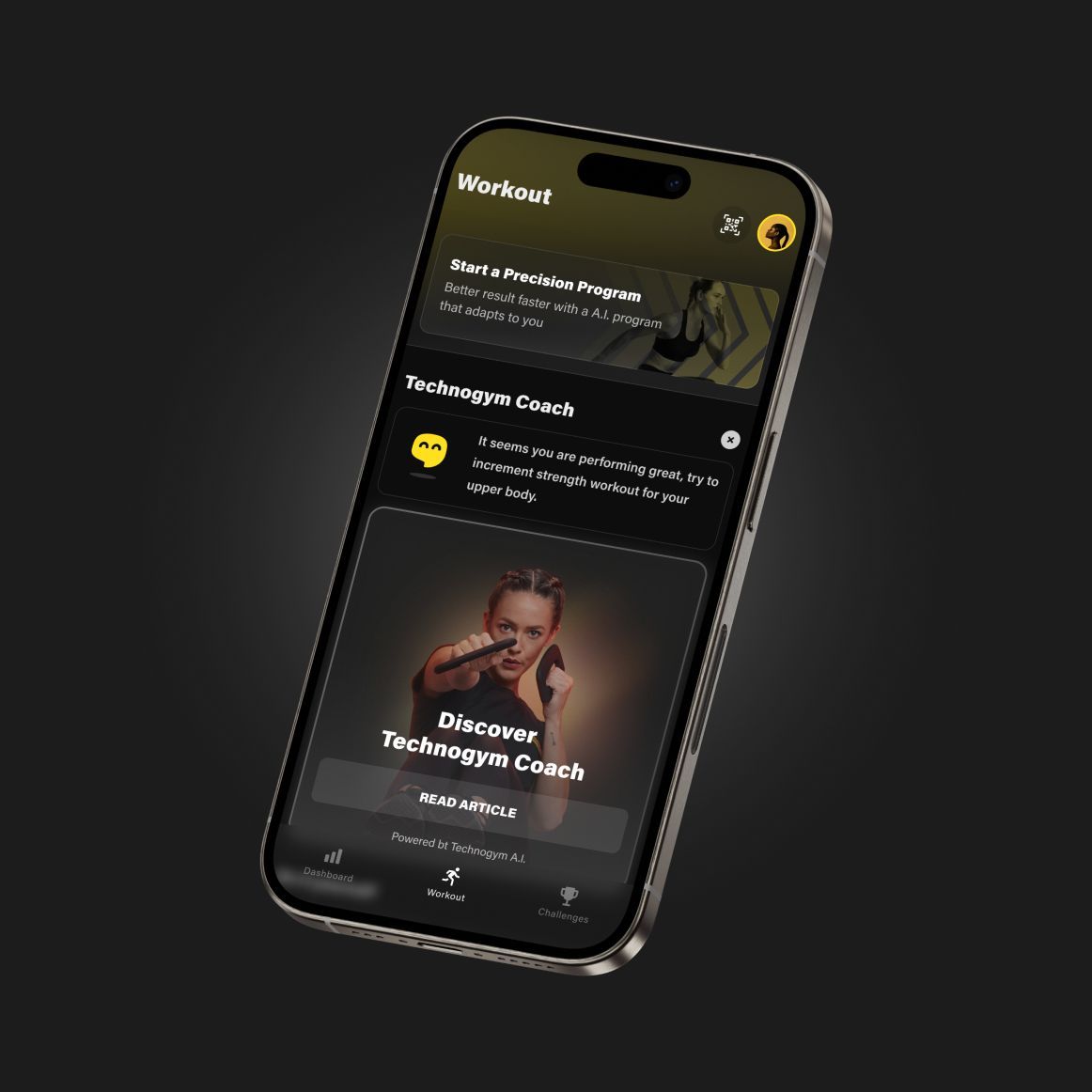
Technogym Coach is your digital personal trainer: answer its questions and get a Precision Program tailored to you that adapts to your progress, helping you reach your goals faster.
Choose your journey: Fitness, to get in shape, lose weight, tone up, build muscle, and stay young; Sport, to maximize your performance in tennis, golf, running, or skiing; Health and Lifestyle, to reap the benefits of physical activity with programs suitable for conditions such as diabetes, hypertension, overweight and back pain.
Download the app and discover Technogym Coach.
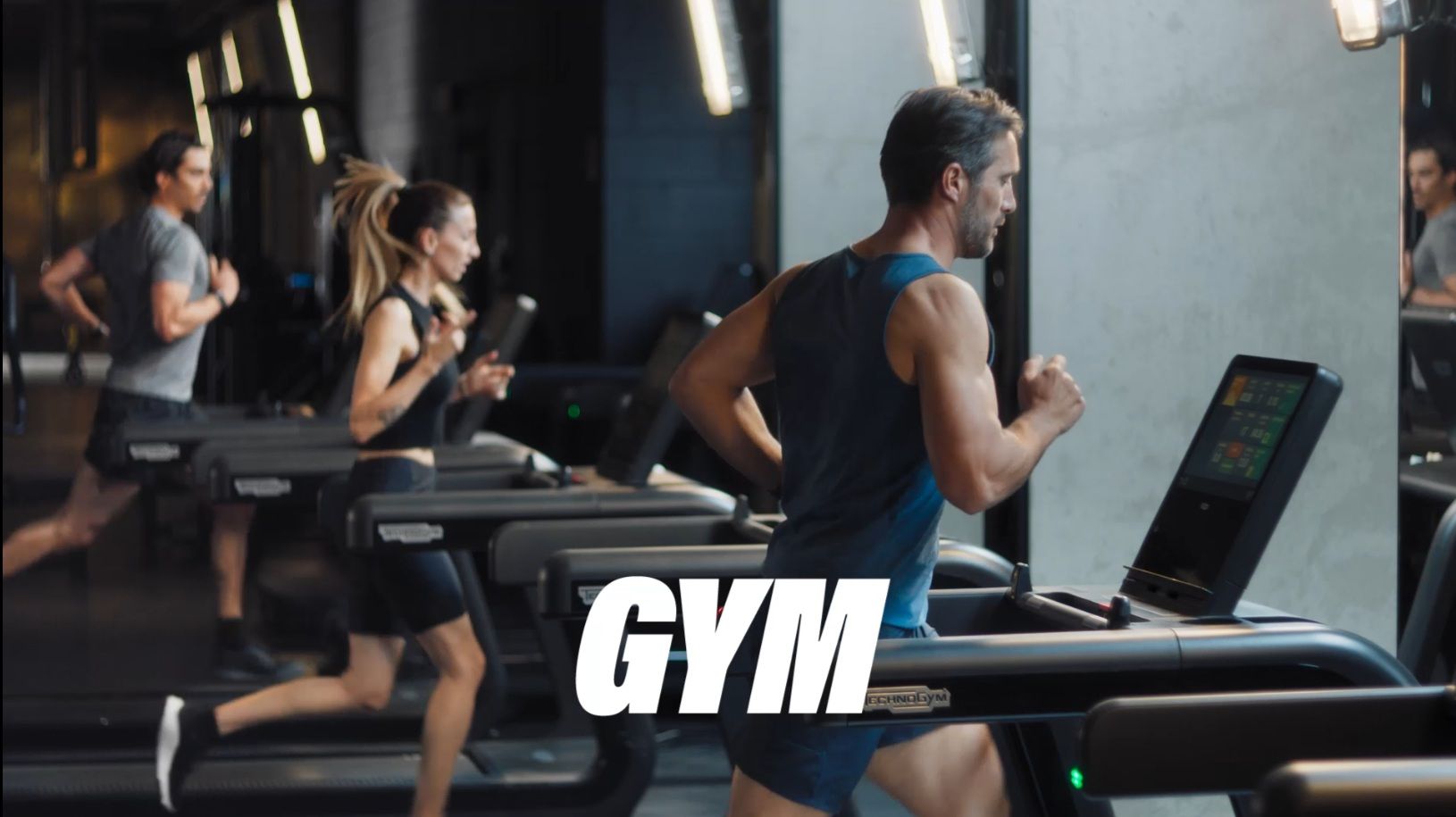
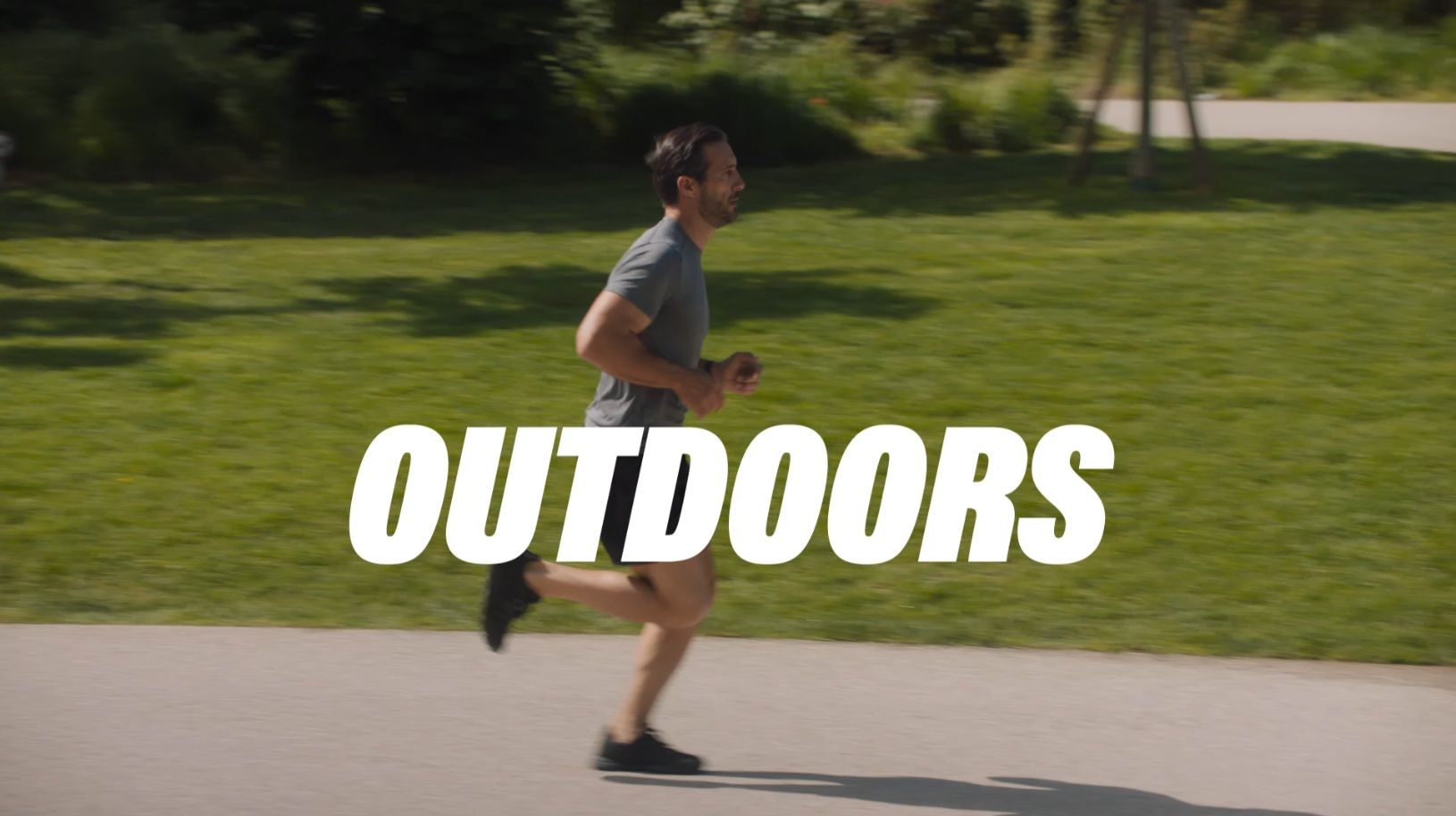
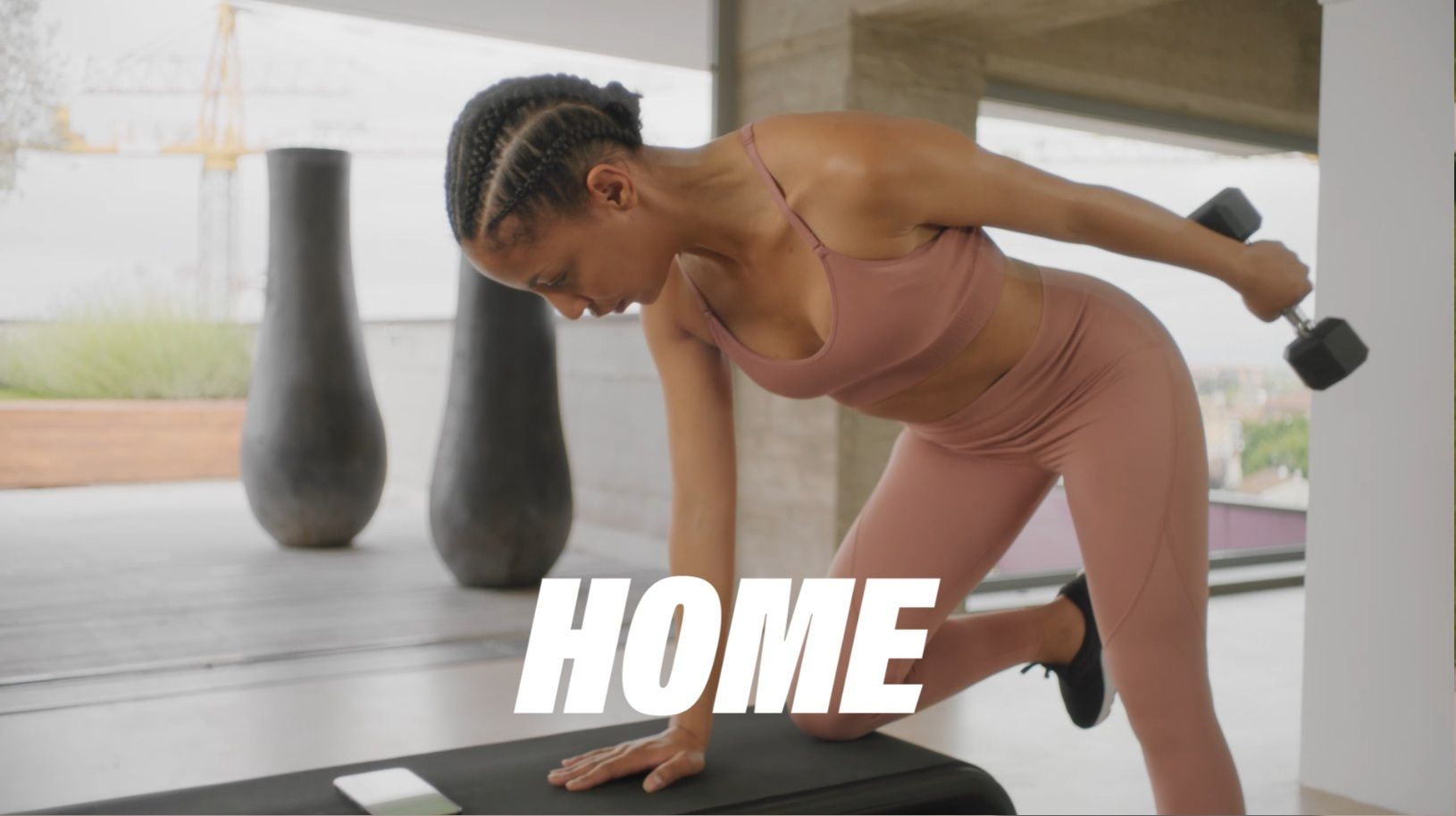
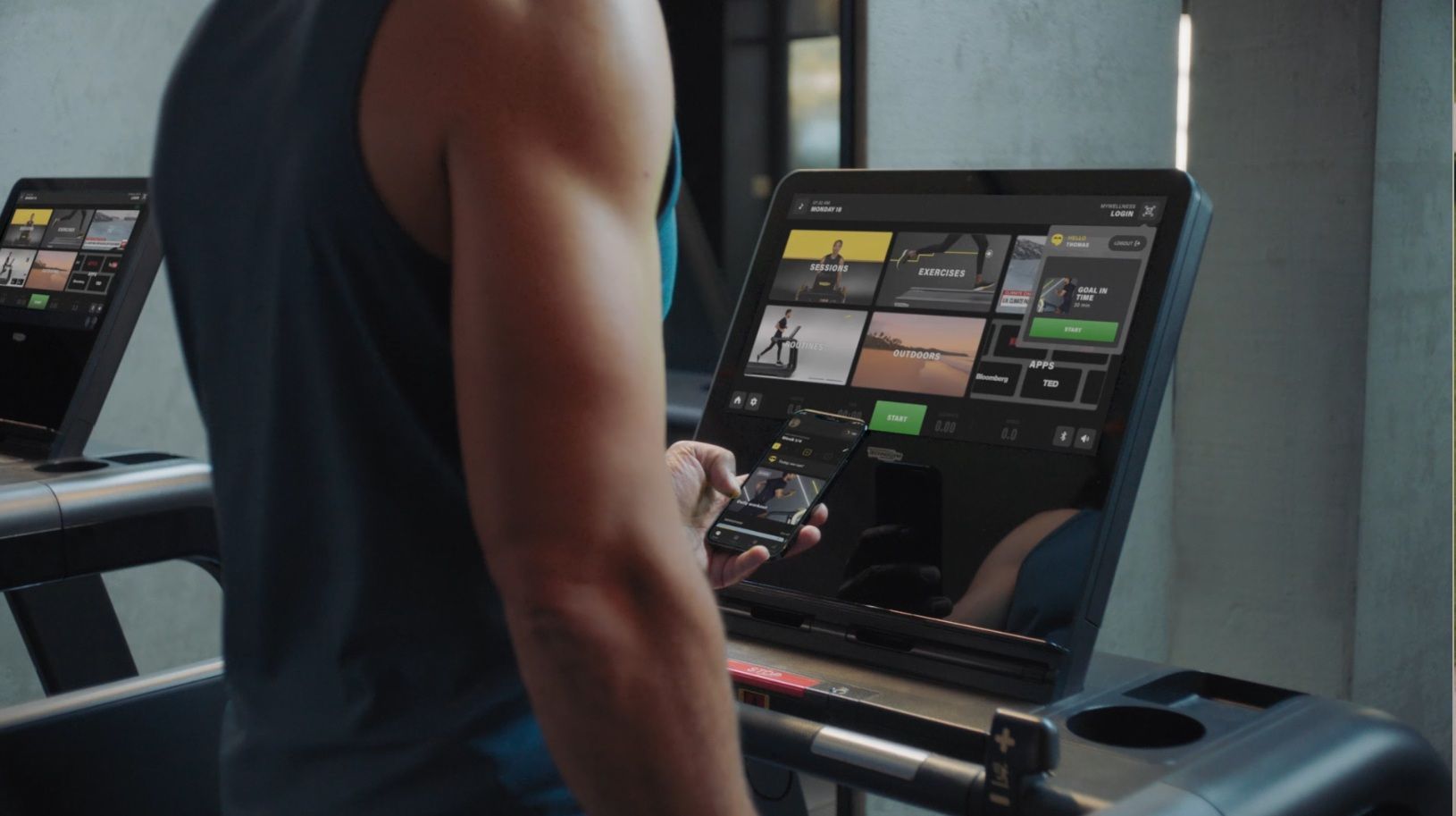
TRAIN ANYWHERE, WITH ANY AVAILABLE EQUIPMENT OR BODYWEIGHT EXERCISES
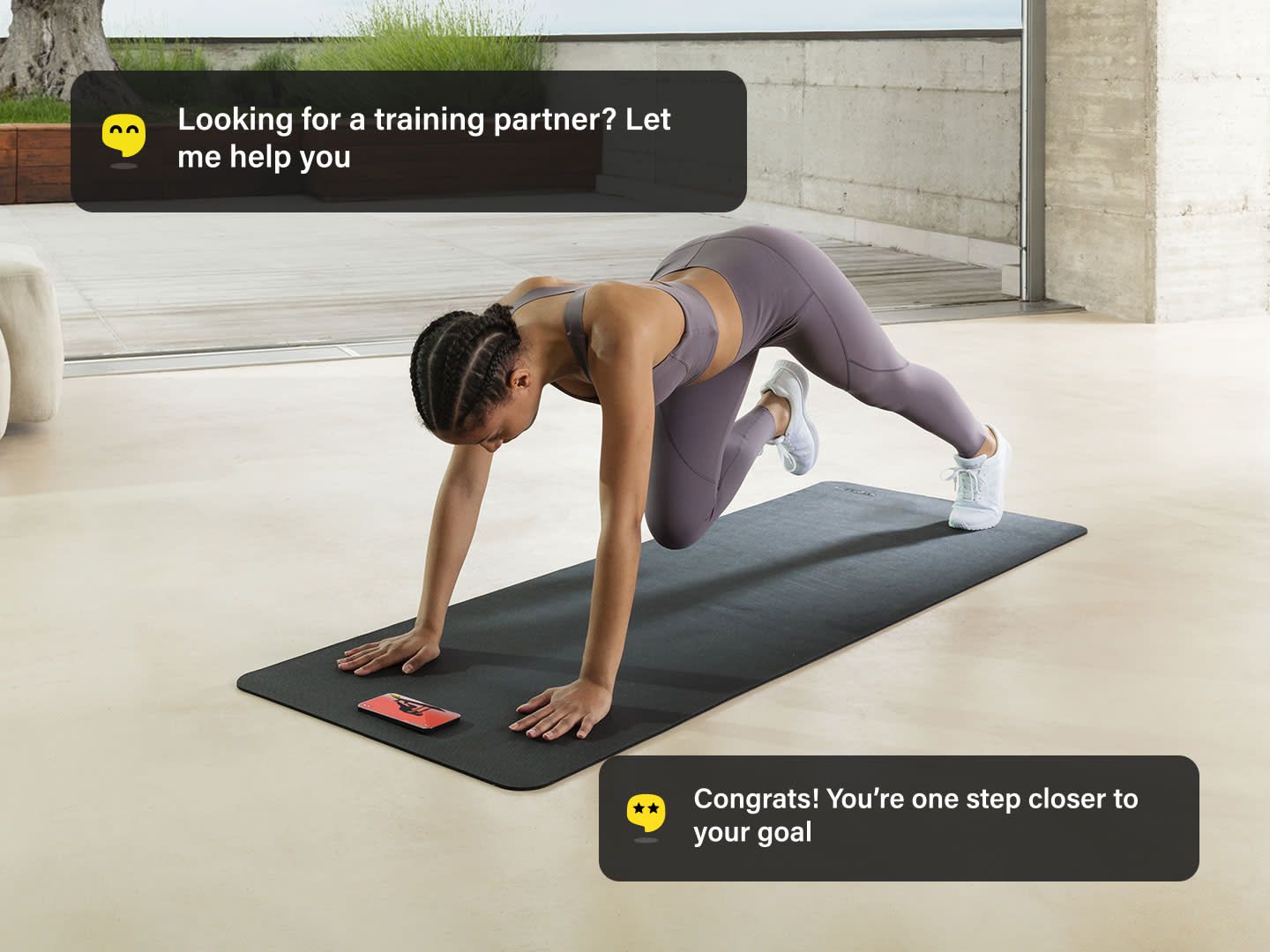
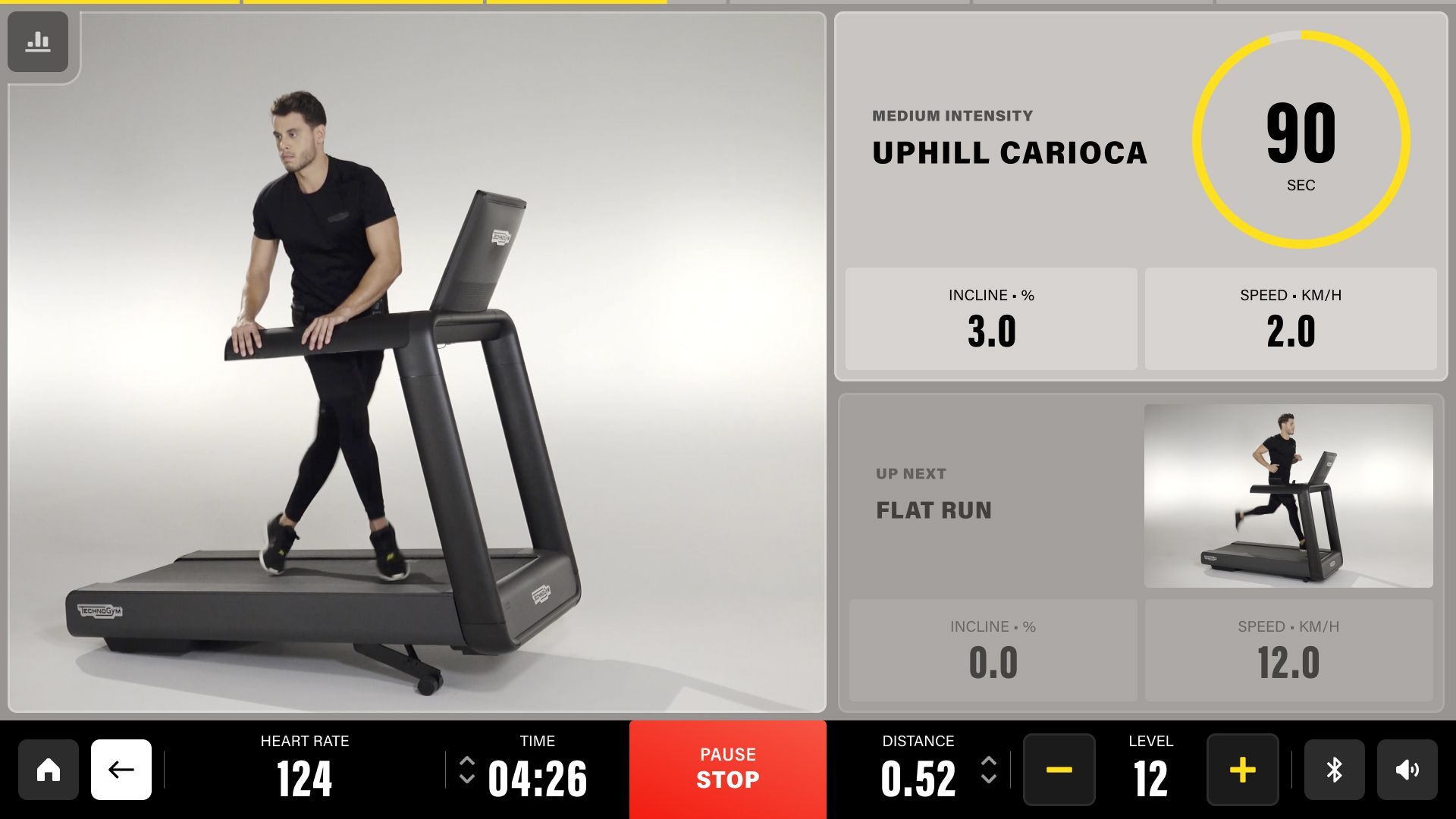
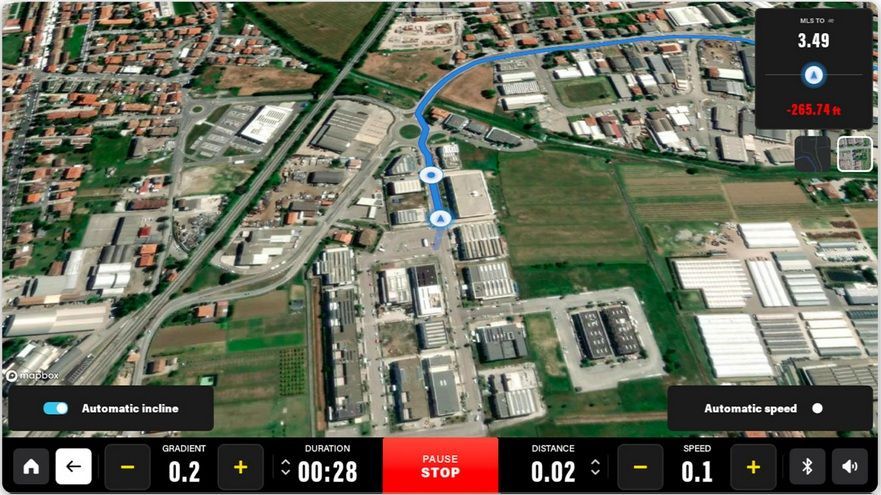
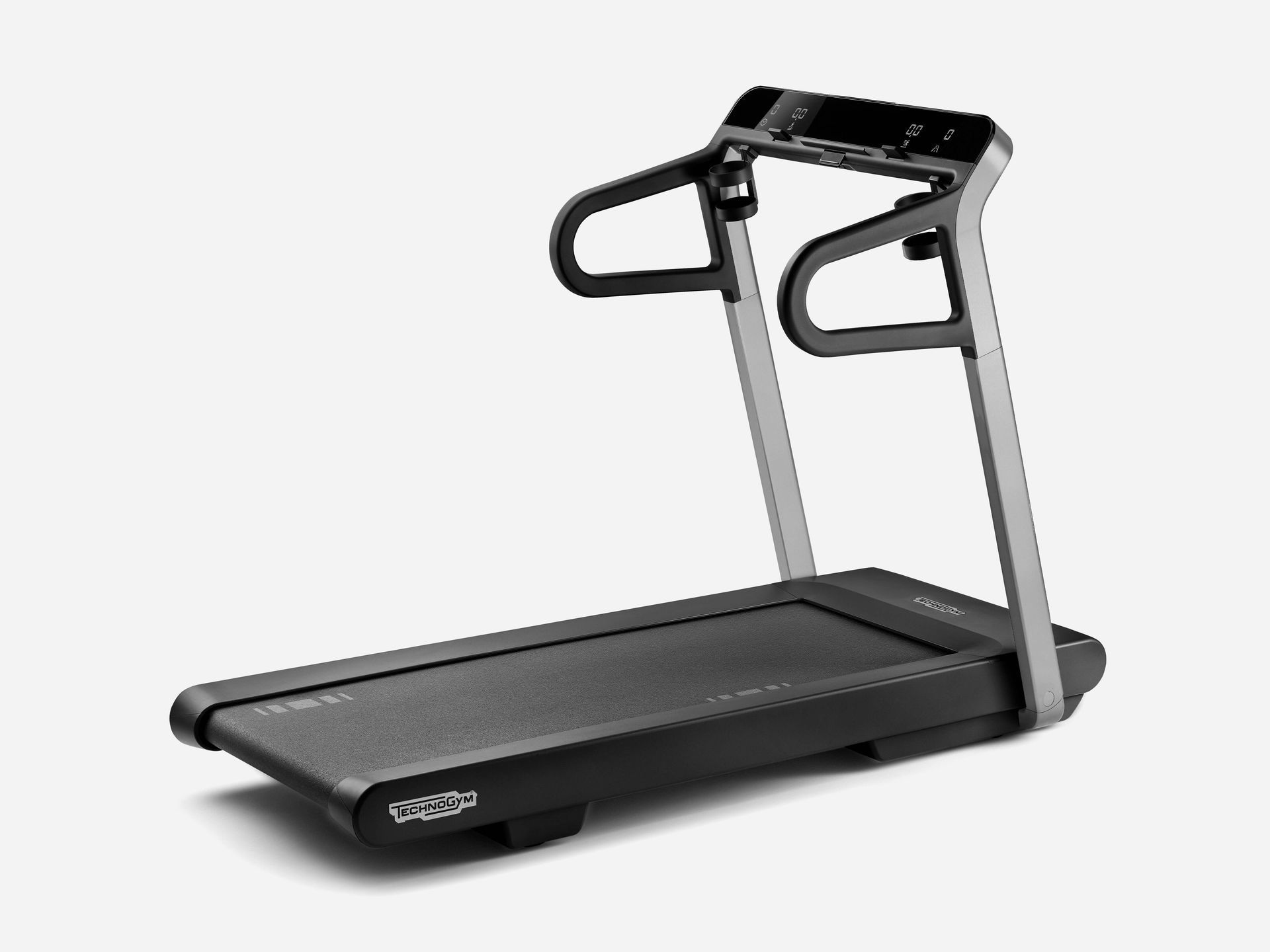
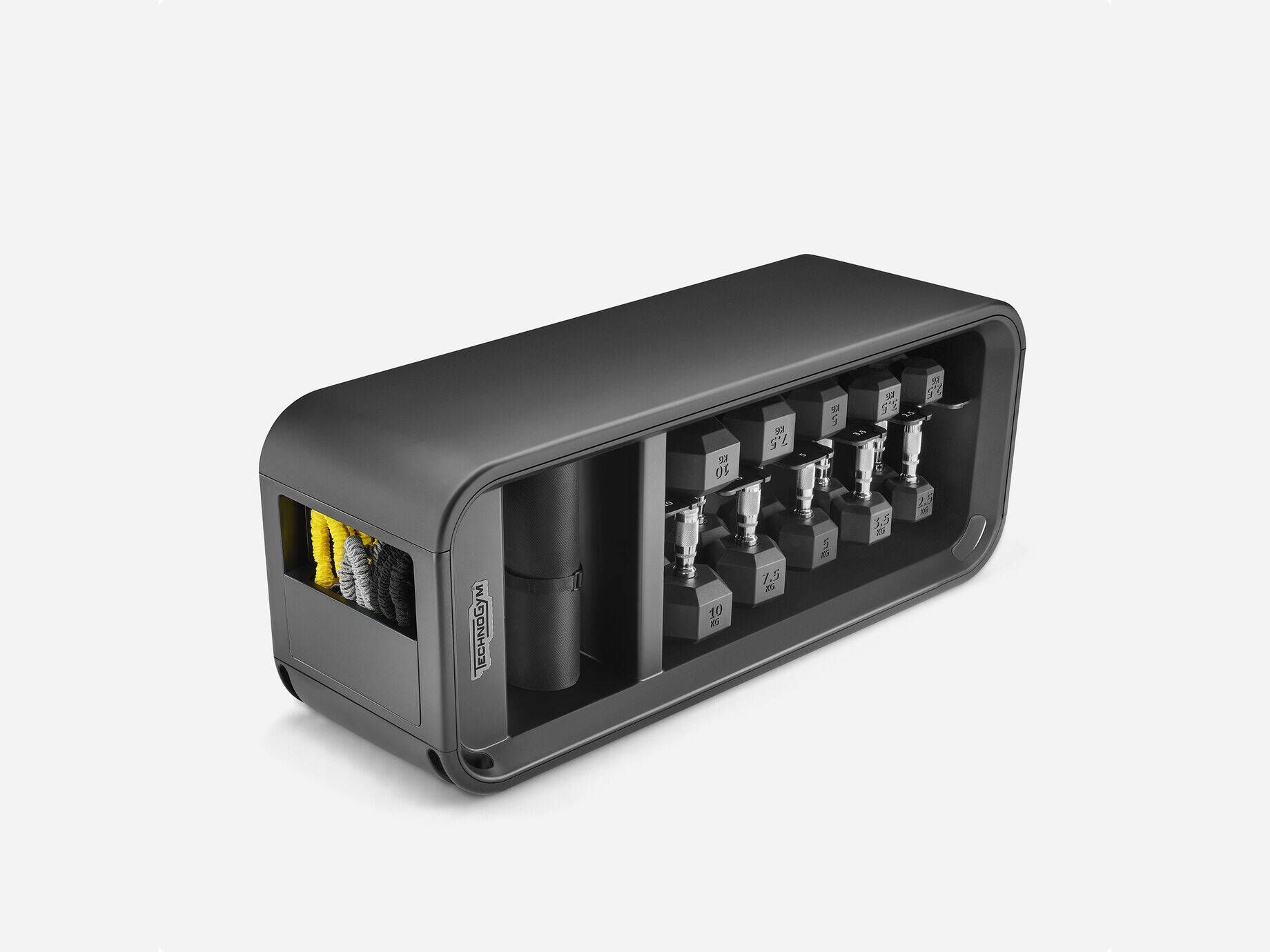
Whether you're at home, at the gym, at the hotel, or outdoors, with the Technogym App you can adapt your workout with bodyweight exercises or with the equipment available: free weights, treadmills, bikes, and many more.
Endless training possibilities
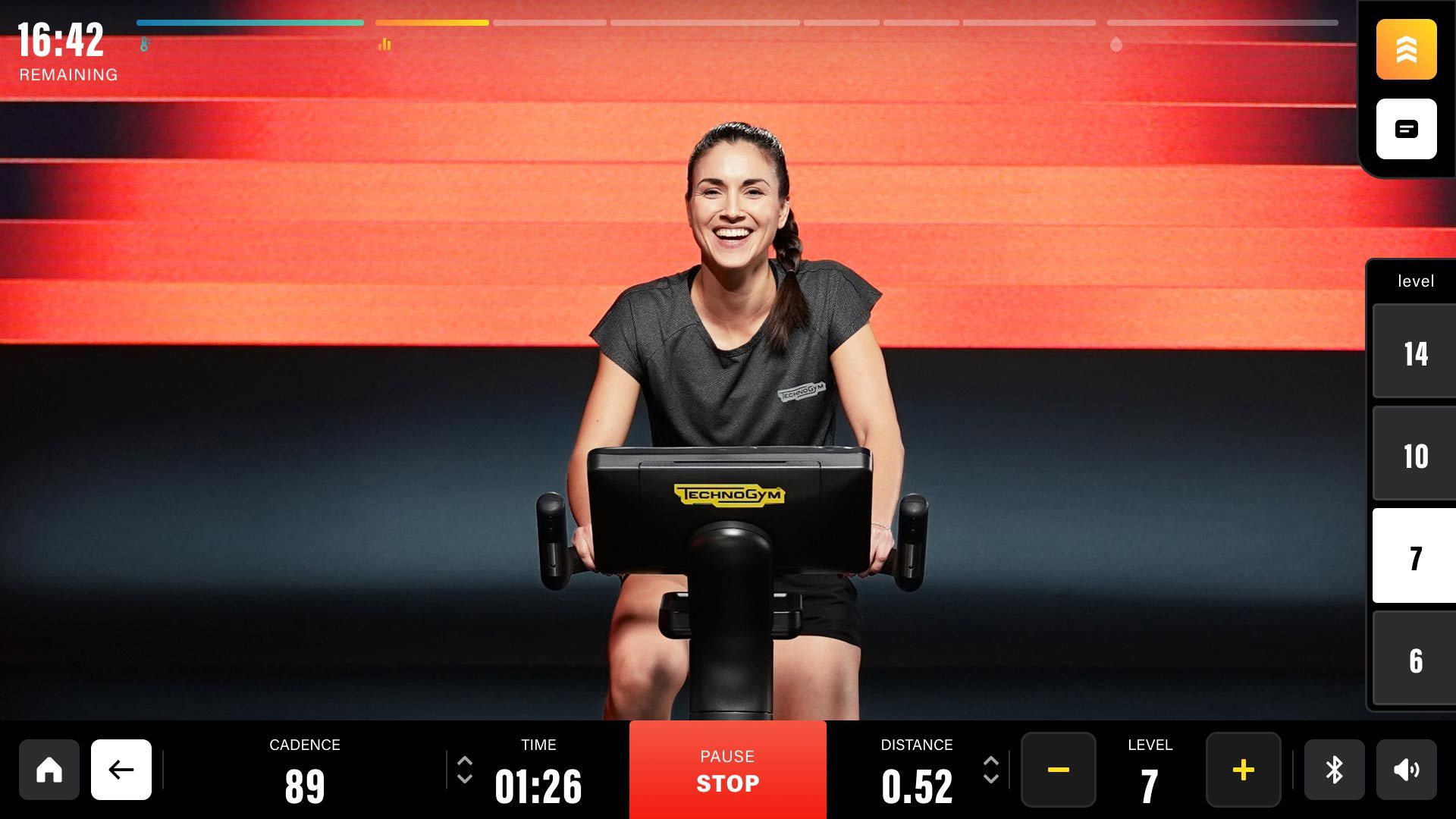
Find the workout that fits you best. Choose from Routines, Sessions, and Signature Programs, and you'll get all kinds of workouts matching your needs: HIIT, strength, stretching, boxing, yoga, guided meditations, and more, with or without equipment.
So much more to experience Wellness at its best
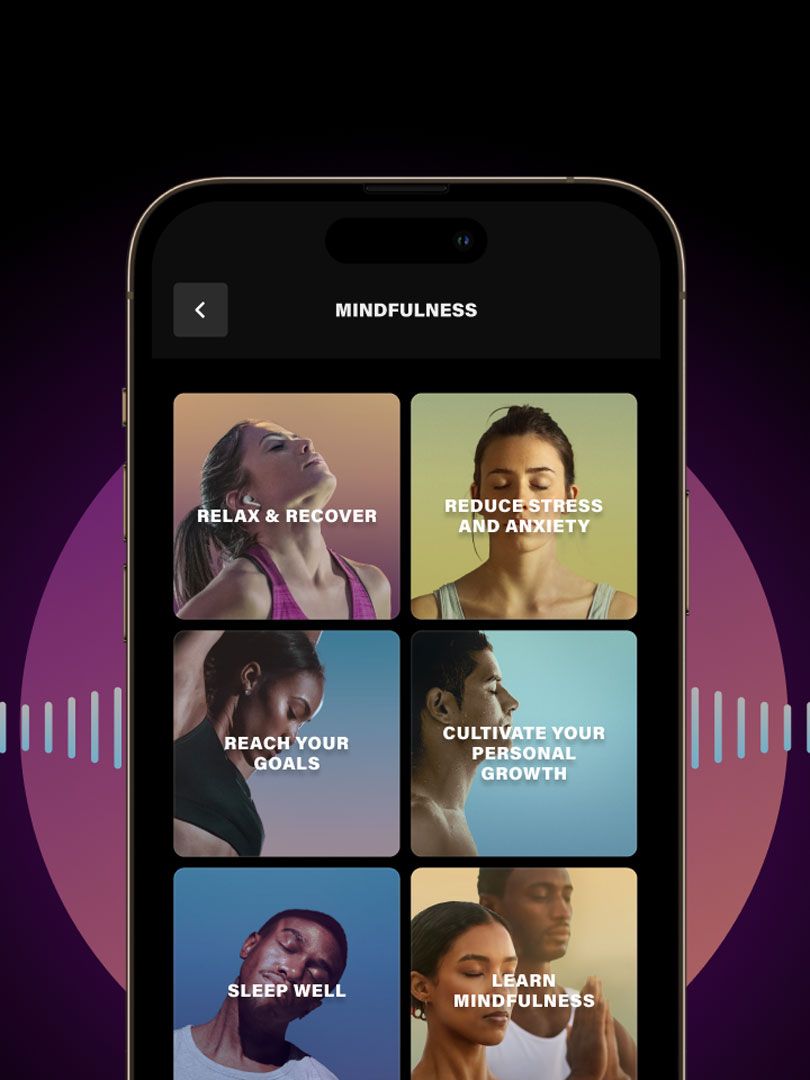
Train your mind with meditation
Improve your body and mind connection with our guided meditations on personal growth, performance, stress, relaxation, sleep, and more.
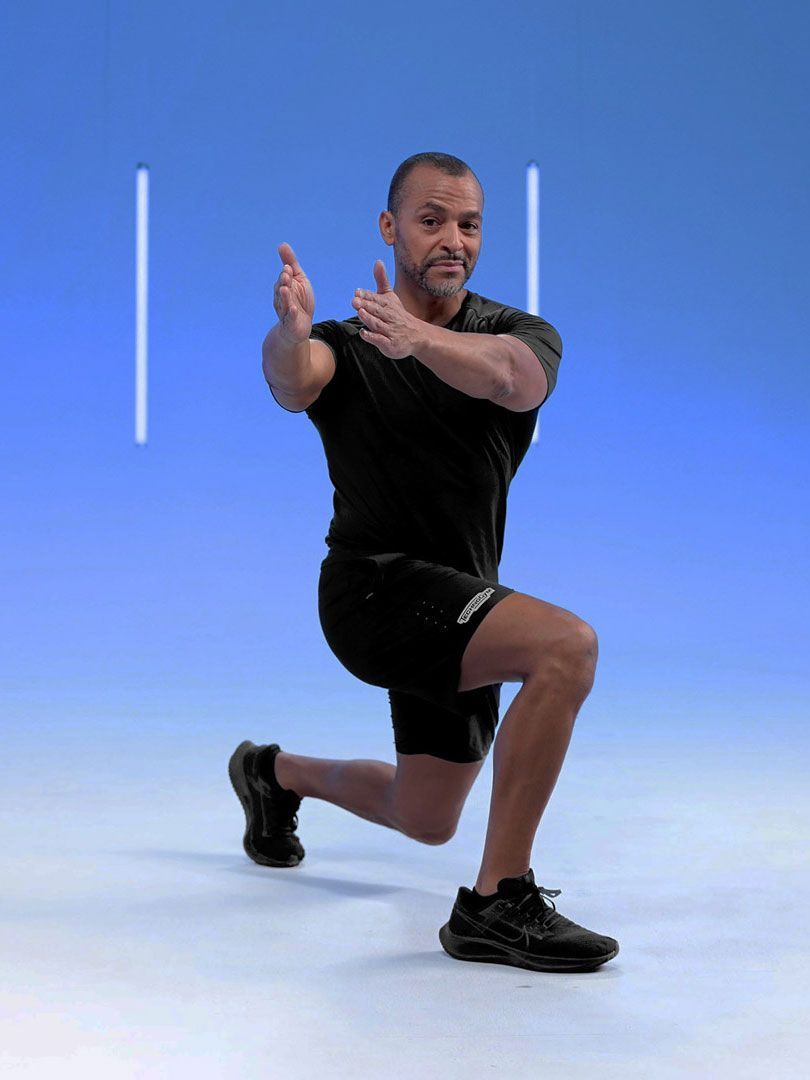
Stay young, longer.
Make your years count with Longevity Sessions and our articles with tips for a healthier, better and longer life. Train with our trainers, slow down your age and stay young for longer.
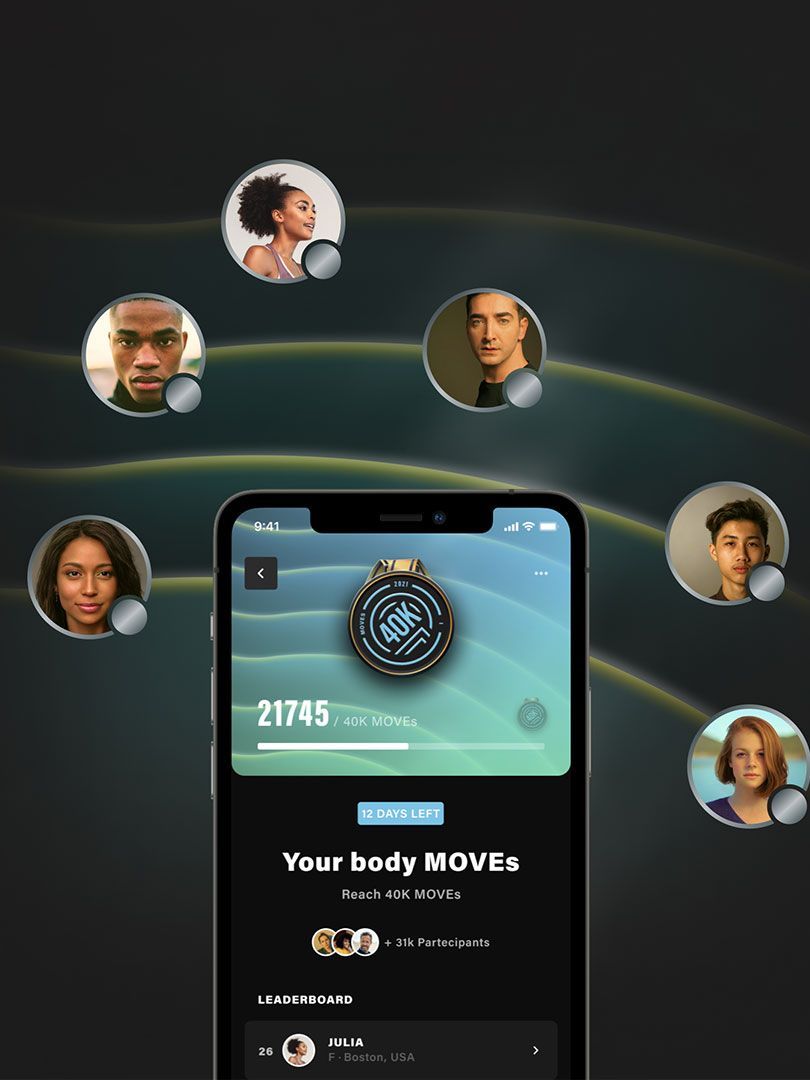
Raise the bar with Challenges
Push your limits in the individual challenges or confront the other users in the community. Collect badges one after another, and climb to the top of the leaderboard!
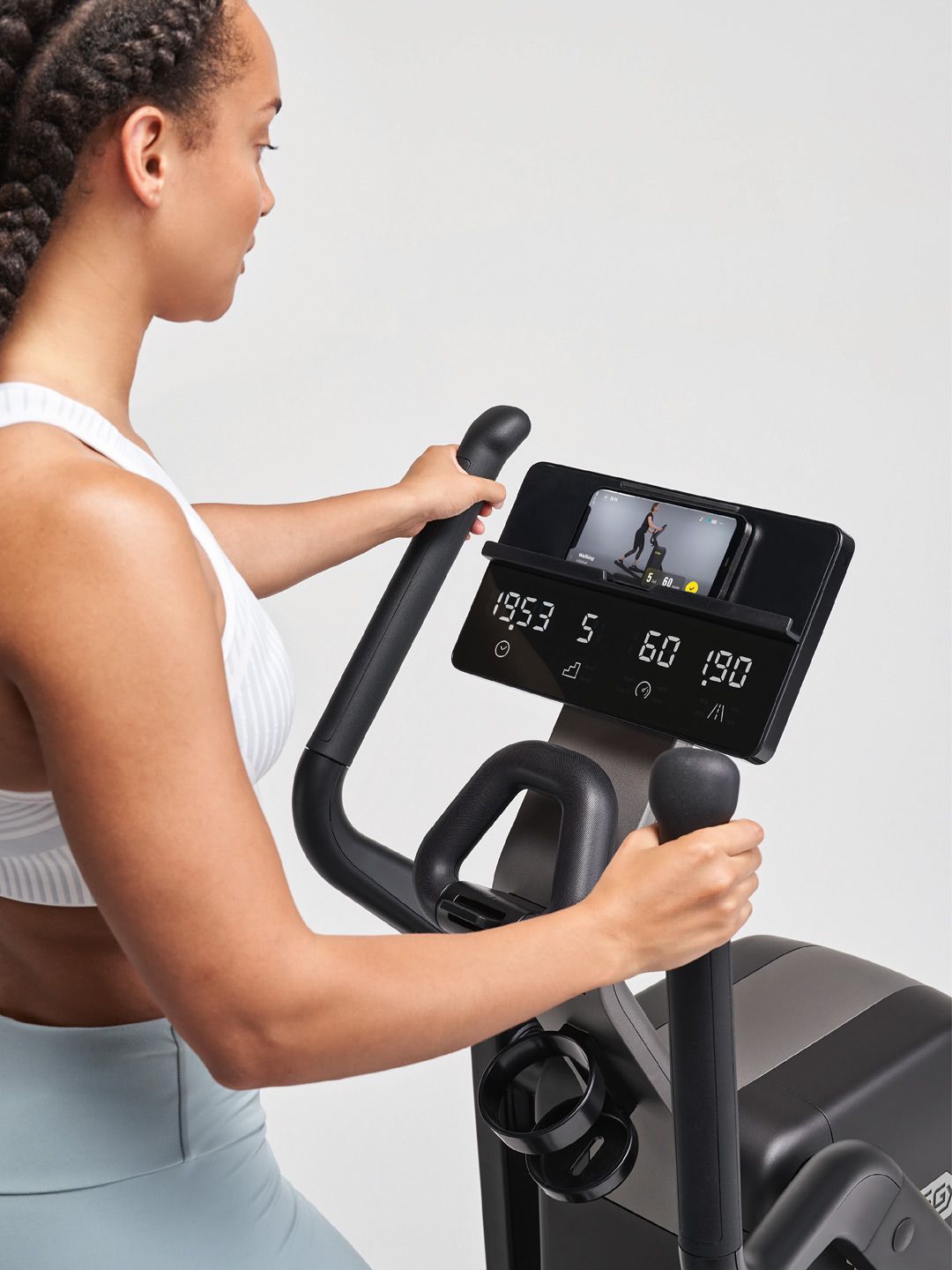
Wellness Magazine
On your rest days or while relaxing, you can browse our articles with insights into healthy eating habits, workout tips, trends, mindfulness, and stories shared by our community.

Lifestyle

Nutrition
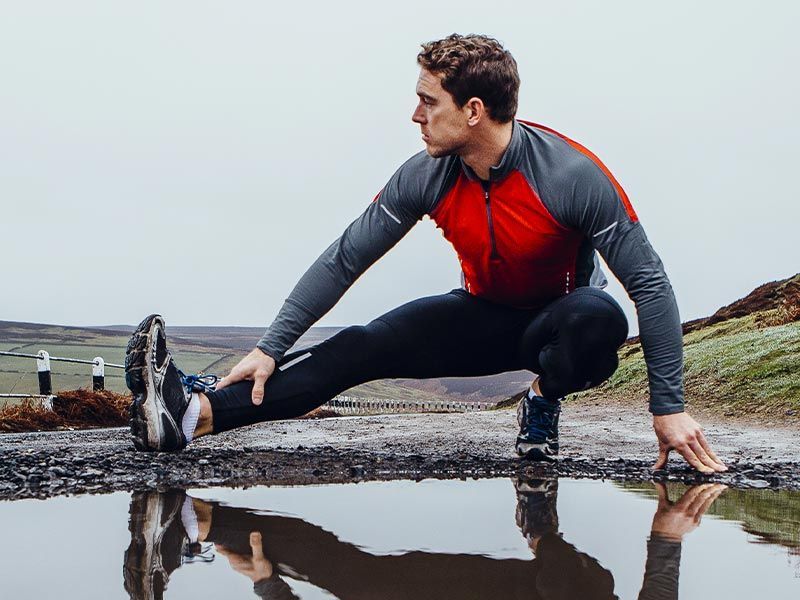
Training

Sport
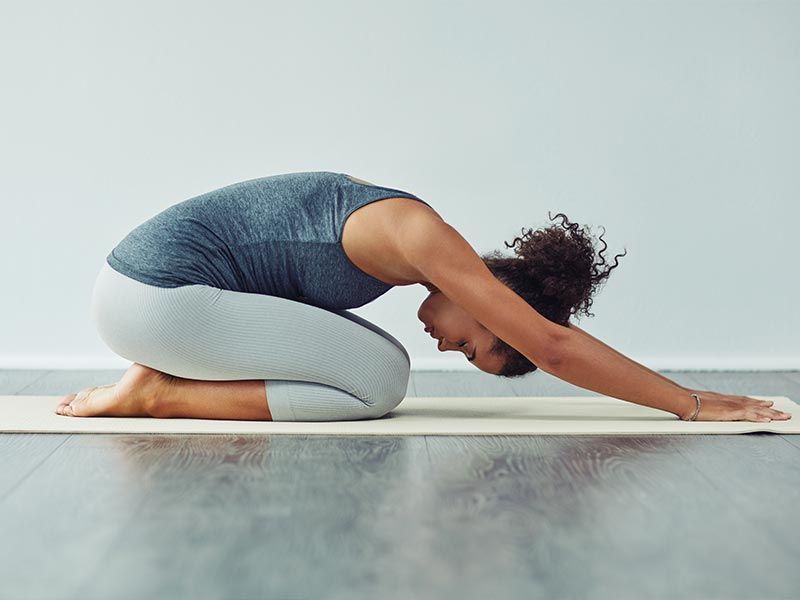
Mindfulness
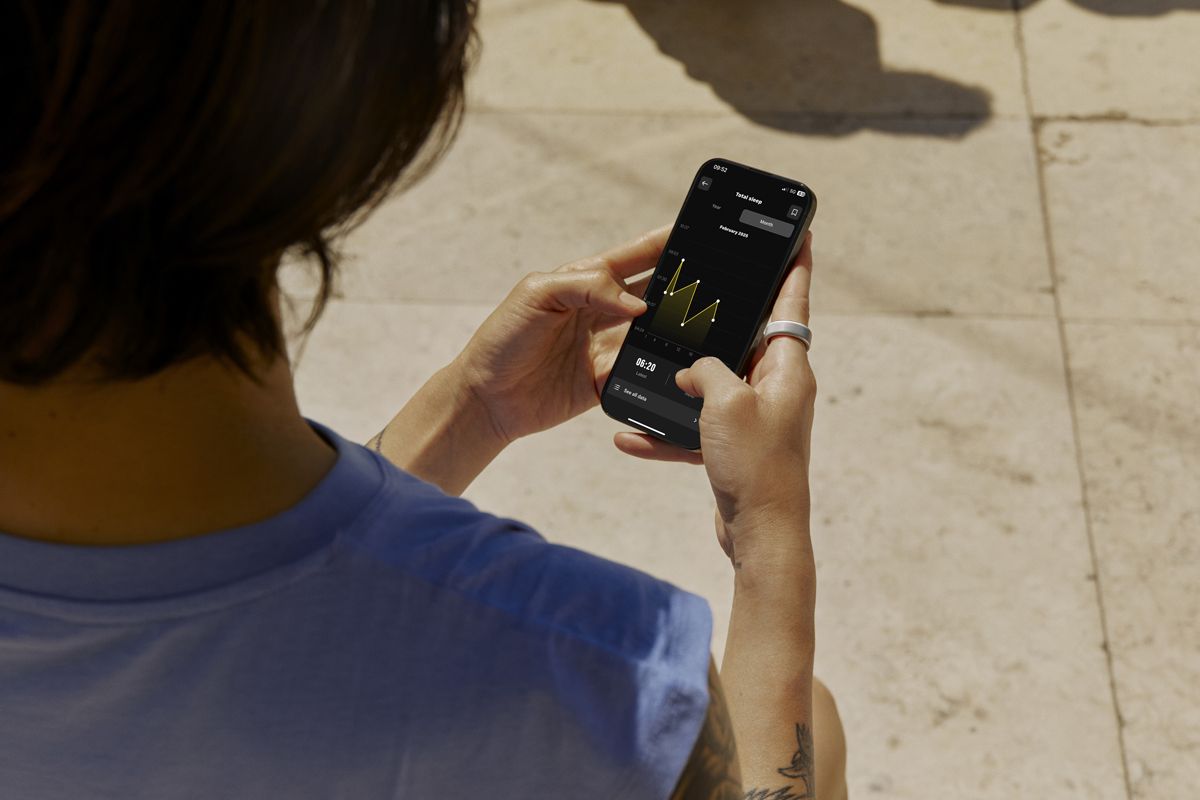
MAXIMIZE YOUR WELLNESS JOURNEY WITH OURA
Connect your Oura data to Technogym App and take control of your wellness journey like never before. Sync your Oura ring to monitor recovery trends, including sleep, HRV, resting heart rate, and respiratory rate. Get a complete health and fitness picture with the Wellness Passport, stay motivated, and achieve your goals.
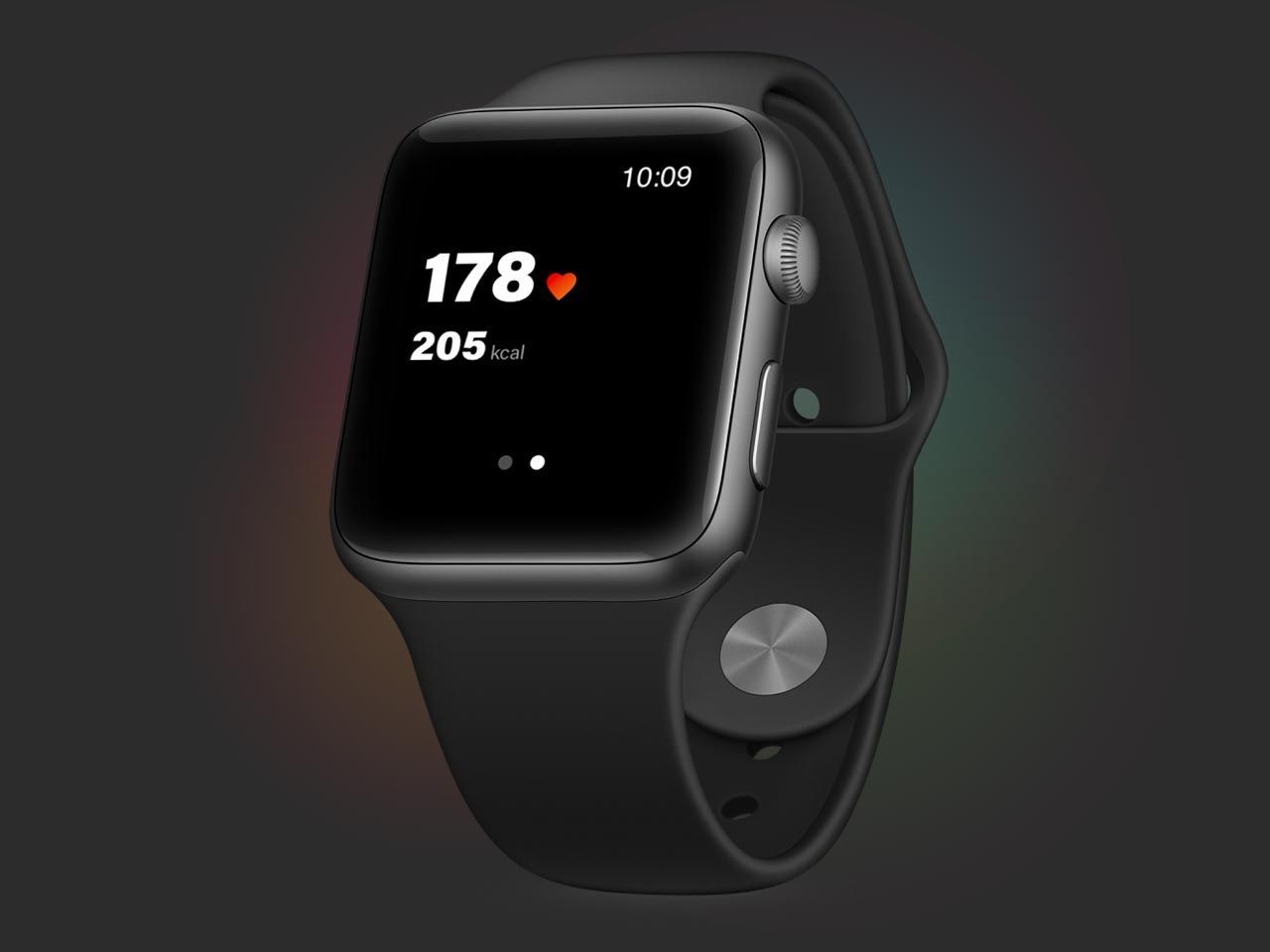
TECHNOGYM APP FOR APPLE WATCH
Monitor your heartbeat and calories, and pause, end, or resume your workout directly from your Watch..
TECHNOGYM PLUS
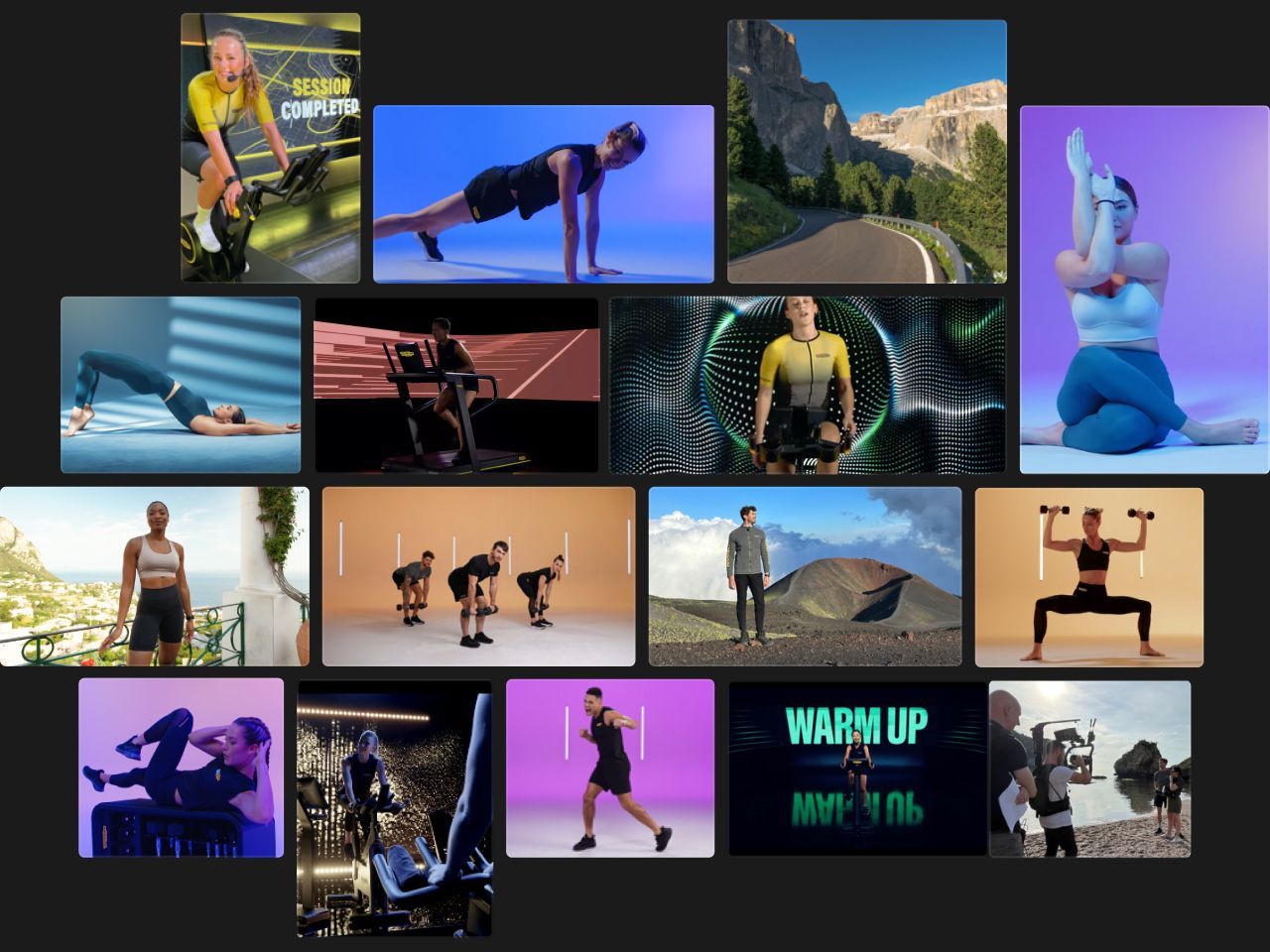
Cycling, yoga, boxing, HIIT, strength, guided meditations, and more video training Sessions, with the best trainers showing you proper exercise form and motivating you to achieve maximum results.
FREQUENTLY ASKED QUESTIONS
Get started using Technogym App, learn how to connect your devices, get more details on subscriptions, and much more.
FAQs
View and Manage Your Personal Data on the Technogym App
Privacy is of fundamental importance for Technogym. At any time, you can see and manage how the Technogym App processes your personal information and visibility on the app as well as your consent to the terms and conditions on the processing of your personal data, and export your data and delete your account.
Check your personal information
To check which personal information is associated with your Technogym ID, open the Technogym App and go to your profile, which is in the top right-hand corner of the app where your profile picture or initials are. Then tap on View full profile to see your personal information associated with your account, including your name, weight, height, and contact information. This is personal data you provided when signing up on the Technogym App, and which you can modify at any time.
Visibility in app
After tapping on View full profile, scroll down to Profile Settings and then to the section Visibility. Here you can set the toggle to on or off to choose whether you want your nickname and country to be visible to other app users when you participate in challenges on the app or when you sign up for classes at gyms that use the Technogym App.
Privacy policy and terms and conditions
On the app, you can also consult the Technogym privacy policy, and the Technogym App terms and conditions. Scroll down to the Profile Settings section described above and scroll down to Terms & Conditions and Privacy Policy. At the bottom of the section, you’ll also find a toggle which you can switch to on or off based on whether you would like to receive personalized communications from Technogym regarding services, products, and benefits. Exporting and deleting your data
If you wish to export or delete your personal data, scroll down to the Profile Settings section described above and select Export Data. Here you can download and receive – via email to the address associated with your profile – all the data connected to your Technogym ID. From this full profile area, you can also delete your account, which will permanently delete your Technogym ID and any data associated with your account. As a security measure, you’ll be asked to enter your password before your account is permanently deleted.
How can I cancel my subscription?
You can cancel your subscription at any time.
If you have an iOS device: Go to the Settings section on your phoneTap on your name (i.e. your Apple ID)Tap on “Subscriptions”Select “Technogym”Select “Cancel Subscription”
If you have an Android device: Open Google Play StoreTap on your profile icon in the top right-hand cornerFrom the menu, select “Payments and subscriptions”Select “Subscriptions”Select “Cancel subscription”
If you cancel your subscription, you’ll still be able to use the premium content for the full period you paid for.
You can always contact us here.
If I already have a Technogym Unlimited subscription for Technogym Bike, can I access Sessions on Technogym App?
Yes, your Technogym Unlimited subscription includes all Technogym Plus premium content.
How can I activate my subscription?
If you’re activating a free trial for the first time:
Go to the “Workouts” section
Tap on the “Unlock Sessions” banner
Enter your payment information on App Store/Google Play Store
Enjoy your month of free content
If you’ve already used your free trial and want to purchase a subscription, follow the above instructions, after which you’ll be charged for your subscription.
Where can I train with Technogym Plus?
The subscription is linked to your Technogym ID and you can access premium content from the Technogym App and from the connected consoles on all Technogym equipment, from the Live version on.
Is there a free trail period?
Yes, a 1-month free trial is included. An additional 1-month free trial is included with the purchase of selected Technogym products. You will never be charged during your free trial period, and you can cancel anytime.
What do I get with my Technogym Plus subscription?
Your Technogym Plus subscription gives you access to:
Trainer-led workouts in your personalized Precision Program created by Technogym AI Coach
1000 exciting trainer-led workouts (with new ones being added all the time) covering HIIT, boxing, Pilates, and more
guided meditation sessions covering sleep, personal growth, stress management, and more
What languages is Technogym App available in?
Describe the item or answer the question so that site visitors who are interested get more information. You can emphasize this text with bullets, italics or bold, and add links.
CONNECTIONS
Can I mirror my device screen onto my TV?
Yes, using Technogym App you can play your training sessions directly on your TV. After you start a workout, tap on the three dots in the top right-hand corner, then tap “Mirroring info” and follow the instructions on your device. The following devices are compatible: Apple AirPlay2, Samsung Smart View, Chromecast from Android devices (Google Home).
Can I connect third-party devices and apps to Technogym App?
Yes, you can connect different apps such as Strava, Garmin, Fitbit, Apple Health, Google Fit, Samsung Health and any heart rate monitor with Bluetooth LE. Moreover, you can use the Technogym App for Apple Watch to track your heart rate and pilot your workout.
FEATURES
How is my workout compliance calculated?
Your workout compliance is calculated differently based on the type of workout you do. If your workout includes Routines only, your compliance will be the ratio of MOVEs you earned to the total MOVEs possible. For instance, if the estimated MOVEs of a single exercise is 10 MOVEs but you earn 9 MOVEs, then your compliance is 90%.If your workout includes Sessions, your compliance for each block is calculated based on the percentage of the video you completed (e.g. if the video is 20 minutes long and you do 15 minutes, your compliance will be 75%). Your total overall workout compliance will be calculated based on the weighted average of each exercise and the duration of the exercise. An additional aspect that impacts your compliance is the time it takes you to complete the whole workout. If you take longer than expected – for example because you need more rest time or because you paused the workout – then your compliance will be adjusted.
How can I reorganise my weekly training plan?
If you skip your daily workout, the Technogym Coach will automatically prompt you to do it the next day; there is no need to reprogramme it yourself. However, if you want to reorganise your weekly workouts, go to the Coach tab and tap "Edit" on the right of the program summary, then tap "Training days"; move your Daily Workouts and Rest Days along the week as you prefer, and then click on "Save". The changes you make will take effect from next week.
How can I change my Precision Program?
To change your programme, go to the Coach tab and tap "Edit" on the right of the program summary, scroll down the page and tap the Programme Detail button, then select Retake Assessment at the bottom of the page.
What's the difference between a Precision Program and a Signature Program on Technogym App?
A Precision Program is your personalized training plan which Technogym AI Coach creates just for you and that adapts to your level, the equipment you have available, and to your progress so you can achieve the results you want in the shortest amount of time possible.
Signature Programs are sport-specific training plans created by professional trainers to the pros with the goal of helping you improve your performance in your favorite sports.
Technogym App Privacy Policy and Terms and Conditions apply.*Technogym Routines and Signature Programs included with Technogym App. Technogym Sessions are available with Technogym Plus subscriptions.
You might be interested
Technogym Coach personalizuje vaš trening
Trenirajte kod kuće, u hotelu, teretani ili na otvorenom
Preko 1000 treninga – sa opremom ili sopstvenom težinom
Pratite svoje aktivnosti i stil života uz MOVEs (pokrete) i MOVERGY (indeks pokreta/aktivnosti)
VAŠ PERSONALIZOVANI PLAN TRENINGA
Technogym Coach je vaš digitalni lični trener: odgovorite na nekoliko pitanja i dobićete Precision Program prilagođen vama, koji se menja u skladu sa vašim napretkom i pomaže vam da brže postignete ciljeve.
Izaberite svoj put:
Fitness – da se dovedete u formu, smršate, zategnete, izgradite mišiće ili ostanete vitalni
Sport – da unapredite performanse u tenisu, golfu, trčanju ili skijanju
Zdravlje i životni stil – da iskoristite benefite fizičke aktivnosti uz programe prilagođene stanjima kao što su dijabetes, hipertenzija, gojaznost i bol u leđima
Preuzmite aplikaciju i otkrijte Technogym Coach-a.
TRENIRAJTE GDE GOD DA STE – SA BILO KOJOM OPREMOM ILI SAMO SA TEŽINOM SOPSTVENOG TELA
Bilo da ste kod kuće, u teretani, hotelu ili napolju, uz Technogym aplikaciju možete prilagoditi svoj trening vežbama sa sopstvenom težinom ili opremom koju imate na raspolaganju – tegovima, trakama za trčanje, biciklima i mnogim drugim spravama-.
Neograničene mogućnosti treninga
Pronađite trening koji vam najviše odgovara. Izaberite među Rutinama, Sesijama i Programima trenera, i dobićete raznovrsne treninge prema svojim potrebama: HIIT, snaga, istezanje, boks, joga, vođene meditacije i mnogo više, sa opremom ili bez nje.
Još mnogo toga za vrhunsko Wellness iskustvo
Trenirajte um pomoću meditacije
Unapredite vezu tela i uma uz naše vođene meditacije posvećene ličnom rastu, performansama, stresu, relaksaciji, snu i drugim aspektima mentalnog blagostanja.
Ostanite mladi, duže
Učinite da godine rade za vas uz Longevity Sessions i članke sa savetima za zdraviji, bolji i duži život. Vežbajte uz naše trenere, usporite biološko starenje i ostanite vitalni što duže.
Podignite lestvicu uz Izazove
Pomaknite svoje granice u individualnim izazovima ili se takmičite sa drugim korisnicima u zajednici. Osvajajte bedževe jedan za drugim i penjite se na vrh tabele!
Wellness Magazine
Tokom dana odmora ili dok se opuštate, možete pregledati naše članke sa korisnim informacijama o zdravim navikama u ishrani, savetima za trening, trendovima, mindfulness-u i pričama koje deli naša zajednica.
Lifestyle
Ishrana
Trening
Sport
Mindfulness
MAKSIMIZUJTE VAŠ WELLNESS PUT UZ OURA-U
Povežite svoje Oura podatke sa Technogym aplikacijom i preuzmite potpunu kontrolu nad svojim wellness putovanjem. Sinhronizujte svoj Oura prsten kako biste pratili trendove oporavka, uključujući san, HRV, puls u mirovanju i respiratornu frekvenciju. Steknite kompletan uvid u svoje zdravlje i formu kroz Wellness Passport, ostanite motivisani i lakše postignite svoje ciljeve.
TECHNOGYM APLIKACIJA ZA APPLE WATCH
Pratite puls i potrošnju kalorija, kao i pauzirajte, završite ili nastavite trening direktno sa svog Watch uređaja.
TECHNOGYM PLUS
Indoor cycling, joga, boks, HIIT, trening snage, vođene meditacije i još mnogo video Sessions treninga, uz najbolje trenere koji vam pokazuju pravilno izvođenje vežbi i motivišu vas da postignete maksimalne rezultate.
ČESTO POSTAVLJANA PITANJA
Započnite korišćenje Technogym aplikacije, naučite kako da povežete svoje uređaje, saznajte više o pretplatama i još mnogo toga.
ČESTO POSTAVLJANA PITANJA
Pregled i upravljanje vašim ličnim podacima u Technogym aplikaciji
Privatnost je od suštinskog značaja za Technogym. U svakom trenutku možete videti i upravljati time kako Technogym aplikacija obrađuje vaše lične podatke i vašu vidljivost u aplikaciji, kao i svoj pristanak na uslove korišćenja i pravila o obradi podataka, kao i izvesti svoje podatke ili izbrisati nalog.
________________________________________
Provera ličnih podataka
Da proverite koji lični podaci su povezani sa vašim Technogym ID-jem, otvorite Technogym aplikaciju i idite na svoj profil u gornjem desnom uglu ekrana (gde se nalazi vaša profilna slika ili inicijali). Zatim dodirnite View full profile kako biste videli podatke povezane sa vašim nalogom, uključujući ime, težinu, visinu i kontakt informacije.
Ovo su podaci koje ste uneli prilikom registracije i možete ih menjati u bilo kom trenutku.
________________________________________
Vidljivost u aplikaciji
Nakon što otvorite View full profile, skrolujte do Profile Settings, a zatim do sekcije Visibility. Ovde možete uključiti ili isključiti vidljivost svog nadimka i zemlje drugim korisnicima aplikacije, na primer kada učestvujete u izazovima ili se prijavljujete za grupne treninge u teretanama koje koriste Technogym App.
________________________________________
Politika privatnosti i uslovi korišćenja
U aplikaciji možete pregledati i Technogym politiku privatnosti, kao i uslove korišćenja Technogym aplikacije. U sekciji Profile Settings, skrolujte do Terms & Conditions i Privacy Policy.
Na dnu ove sekcije nalazi se i prekidač kojim birate da li želite da primate personalizovane komunikacije od Technogym-a u vezi sa uslugama, proizvodima i pogodnostima.
________________________________________
Izvoz i brisanje podataka
Ako želite da izvezete ili obrišete svoje lične podatke, u okviru Profile Settings izaberite Export Data. Ovde možete preuzeti i putem e-pošte (na adresu povezanu sa vašim nalogom) dobiti sve podatke povezane sa vašim Technogym ID-jem.
Iz ovog dela profila takođe možete izbrisati svoj nalog. Brisanjem naloga trajno se briše vaš Technogym ID i svi povezani podaci. Iz bezbednosnih razloga, od vas će se tražiti da unesete svoju lozinku pre nego što nalog bude trajno obrisan.
Kako mogu da otkažem svoju pretplatu?
Svoju pretplatu možete otkazati u bilo kom trenutku.
________________________________________
Ako koristite iOS uređaj:
1. Idite u Settings na telefonu
2. Dodirnite svoje ime (Apple ID)
3. Izaberite Subscriptions
4. Izaberite Technogym
5. Dodirnite Cancel Subscription
________________________________________
Ako koristite Android uređaj:
1. Otvorite Google Play Store
2. Dodirnite ikonu svog profila u gornjem desnom uglu
3. Izaberite Payments and subscriptions
4. Zatim Subscriptions
5. Dodirnite Cancel subscription
Ako otkažete pretplatu, i dalje ćete moći da koristite premium sadržaj tokom celog perioda koji je već plaćen.
Za dodatnu pomoć možete nas kontaktirati ovde.
Ako već imam Technogym Unlimited pretplatu za Technogym Bike, da li mogu da pristupim Sessions sadržajima u Technogym aplikaciji?
Da, vaša Technogym Unlimited pretplata uključuje sav Technogym Plus premium sadržaj.
Kako mogu da aktiviram svoju pretplatu?
Ako prvi put aktivirate besplatni probni period:
1. Idite u sekciju Workouts
2. Dodirnite baner Unlock Sessions
3. Unesite podatke o plaćanju putem App Store-a ili Google Play Store-a
4. Uživajte u jednom mesecu besplatnog sadržaja
Ako ste već iskoristili besplatan probni period i želite da kupite pretplatu, pratite iste korake — nakon toga će vam pretplata biti naplaćena.
Gde mogu da treniram uz Technogym Plus?
Pretplata je vezana za vaš Technogym ID, tako da premium sadržaju možete pristupiti:
• u Technogym aplikaciji
• na povezanima konzolama na svim
Technogym uređajima, od Live verzije pa nadalje
Da li postoji besplatan probni period?
Da, uključen je jedan mesec besplatnog probnog perioda.
Dodatni mesec besplatnog korišćenja dobijate kupovinom određenih Technogym proizvoda.
Tokom probnog perioda nikada vam se neće naplatiti, a pretplatu možete otkazati u bilo kom trenutku.
Šta dobijam sa Technogym Plus pretplatom?
Technogym Plus pretplata vam omogućava pristup:
• Trening sesijama koje vode treneri, unutar vašeg personalizovanog Precision Program-a kreiranog Technogym AI Coach-em
• Više od 1000 vođenih treninga (sa stalnim dodavanjem novih): HIIT, boks, pilates i drugi
• Vođenim meditacijama za san, lični razvoj, upravljanje stresom i još mnogo toga
Na kojim jezicima je dostupna Technogym aplikacija?
Describe the item or answer the question so that site visitors who are interested get more information. You can emphasize this text with bullets, italics or bold, and add links.
POVEZIVANJE
Mogu li da prikažem ekran svog uređaja na TV-u?
Da, uz Technogym aplikaciju možete prikazivati trening sesije direktno na TV-u. Nakon što pokrenete trening, dodirnite tri tačkice u gornjem desnom uglu, zatim izaberite Mirroring info i pratite uputstva na svom uređaju. Sledeći uređaji su kompatibilni: Apple AirPlay 2, Samsung Smart View, Chromecast sa Android uređaja (Google Home).
Mogu li povezati uređaje i aplikacije trećih strana sa Technogym aplikacijom?
Da, možete povezati različite aplikacije poput Strava, Garmin, Fitbit, Apple Health, Google Fit, Samsung Health, kao i bilo koji monitor pulsa sa Bluetooth LE. Takođe, možete koristiti Technogym aplikaciju za Apple Watch za praćenje pulsa i vođenje treninga direktno sa sata.
FUNKCIONALNOSTI
Kako se računa usklađenost mog treninga?
Usklađenost treninga se računa različito, zavisno od tipa treninga koji radite:
• Ako trenirate samo Routines:
Usklađenost je odnos broja MOVEs koje ste ostvarili prema ukupnom broju MOVEs koji su bili mogući.
Na primer, ako procenjeni MOVEs za vežbu iznosi 10, a vi ostvarite 9 MOVEs, vaša usklađenost je 90%.
• Ako trenirate Sessions:
Usklađenost se računa po bloku na osnovu procenta odgledanog video materijala.
Na primer, ako je video dug 20 minuta, a vi trenirate 15 minuta, vaša usklađenost je 75%.
Ukupna usklađenost se računa kao ponderisana prosečna vrednost za sve vežbe, u odnosu na trajanje svake vežbe.
Dodatni faktor koji utiče na usklađenost je vreme potrebno da završite ceo trening. Ako vam je potrebno više vremena od predviđenog – na primer zbog dodatnog odmora ili pauziranja – vaša usklađenost će biti prilagođena.
Kako mogu da reorganizujem svoj nedeljni plan treninga?
Ako preskočite dnevni trening, Technogym Coach će vas automatski podsetiti da ga odradite narednog dana – nije potrebno da sami menjate program.
Ako želite da reorganizujete nedeljne treninge:
1. Idite na Coach tab
2. Dodirnite Edit pored pregleda programa
3. Izaberite Training days
4. Pomaknite Daily Workouts i Rest Days po nedelji kako vam odgovara
5. Kliknite na Save
Promene će stupiti na snagu od naredne nedelje.
Kako mogu da promenim svoj Precision Program?
Da biste promenili program:
1. Idite na Coach tab
2. Dodirnite Edit pored pregleda programa
3. Skrolujte do Programme Detail
4. Izaberite Retake Assessment na dnu stranice
Koja je razlika između Precision Program-a i Signature Program-a u Technogym aplikaciji?
• Precision Program je vaš personalizovani plan treninga kreiran od strane Technogym AI Coach-a. Program se prilagođava vašem nivou, dostupnoj opremi i napretku, kako biste postigli željene rezultate u najkraćem mogućem roku.
• Signature Programs su specifični planovi treninga za sportove, kreirani od strane profesionalnih trenera za sportiste, sa ciljem da unaprede vašu performansu u omiljenim sportovima.
Primena se odnosi na
Politiku privatnosti i
Uslove korišćenja Technogym aplikacije. Technogym Routines i Signature Programs su uključeni u Technogym aplikaciju. Technogym Sessions dostupne su sa Technogym Plus pretplatama.